Projects and volumes
Use projects, volumes, and chapters to organize the main text, then move between chapter lists and the editor as the manuscript grows.
 CardFlow
A card-based writing workspace that keeps projects, volumes and chapters, idea cards, setting cards, knowledge cards, and writing aids in one place.

Swipe through real interface screenshots to see the home screen, cards, chapters, export, snapshots, and writing aids.
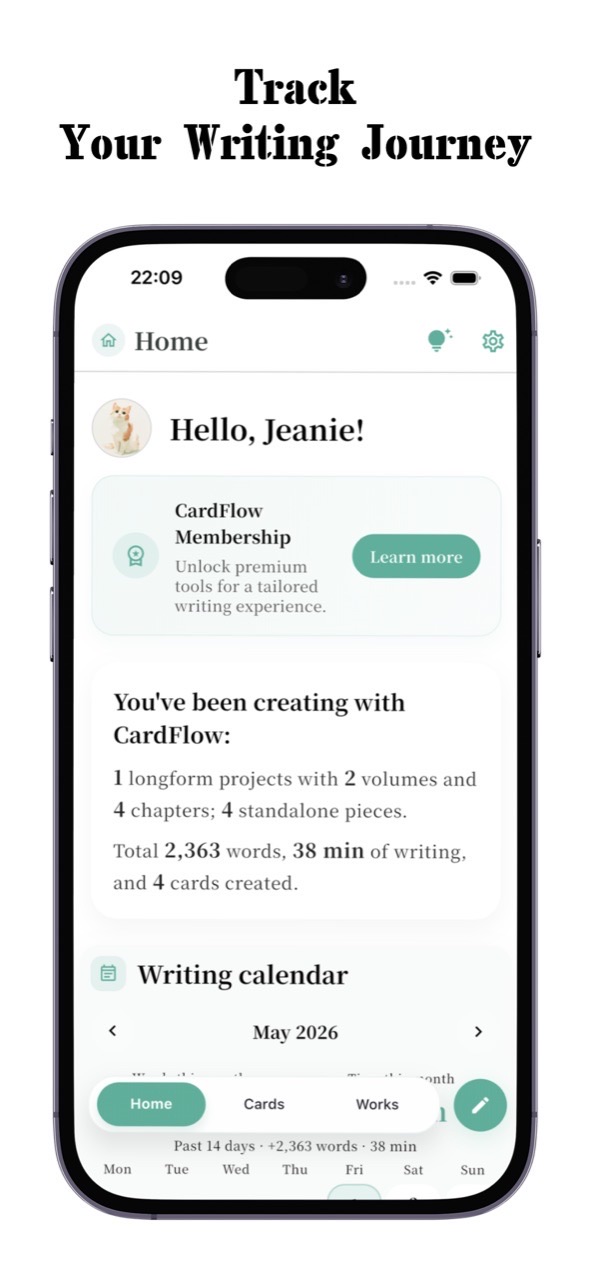
View word counts, writing time, projects, and card progress from the home screen.
CardFlow brings projects, volumes and chapters, card boxes, card sets, writing aids, snapshots, and export back into one workflow.
Use projects, volumes, and chapters to organize the main text, then move between chapter lists and the editor as the manuscript grows.
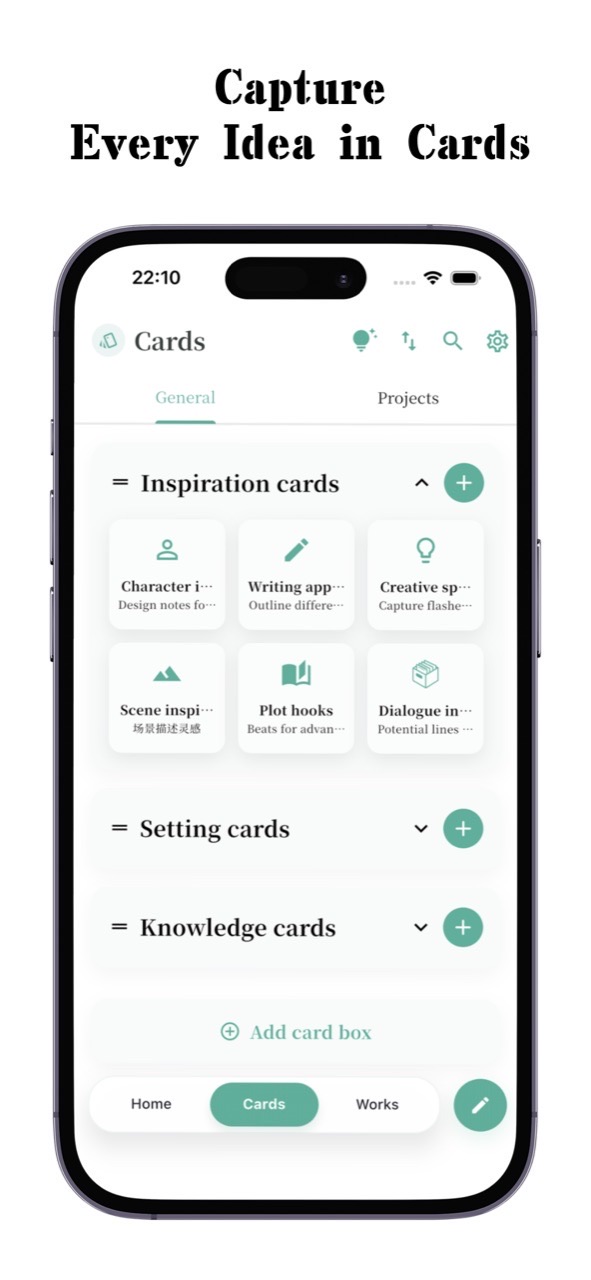
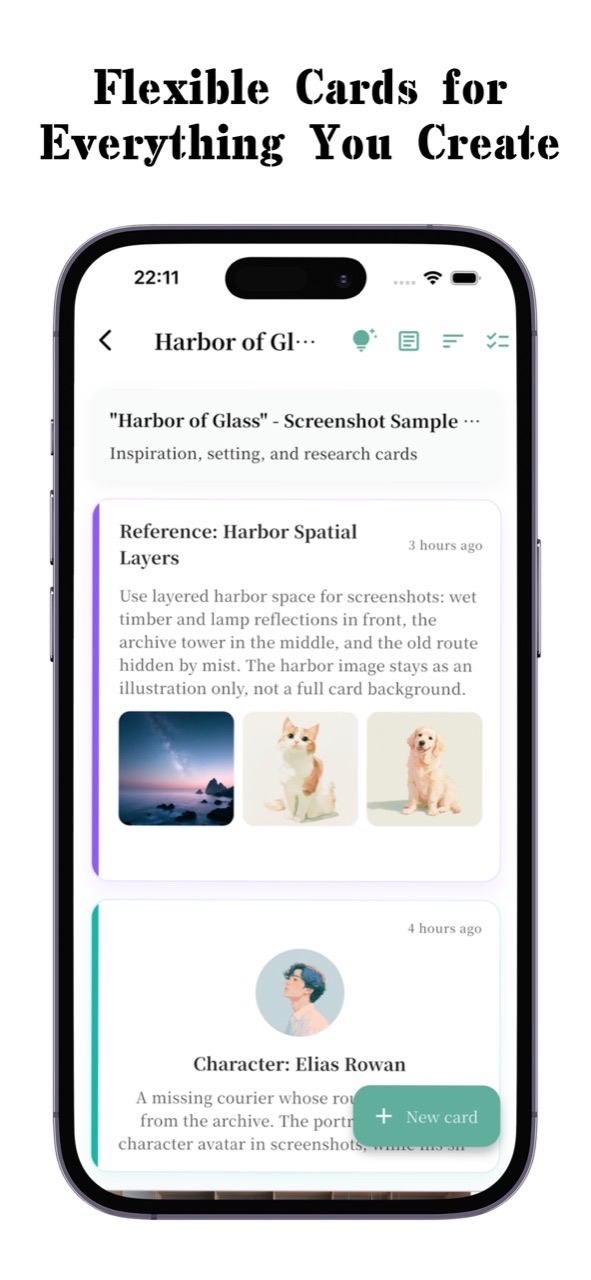
Start with idea cards, setting cards, and knowledge cards, then create your own card boxes and card sets as needed.
Insert card references directly into chapter text so material, settings, and prose stay in the same context.
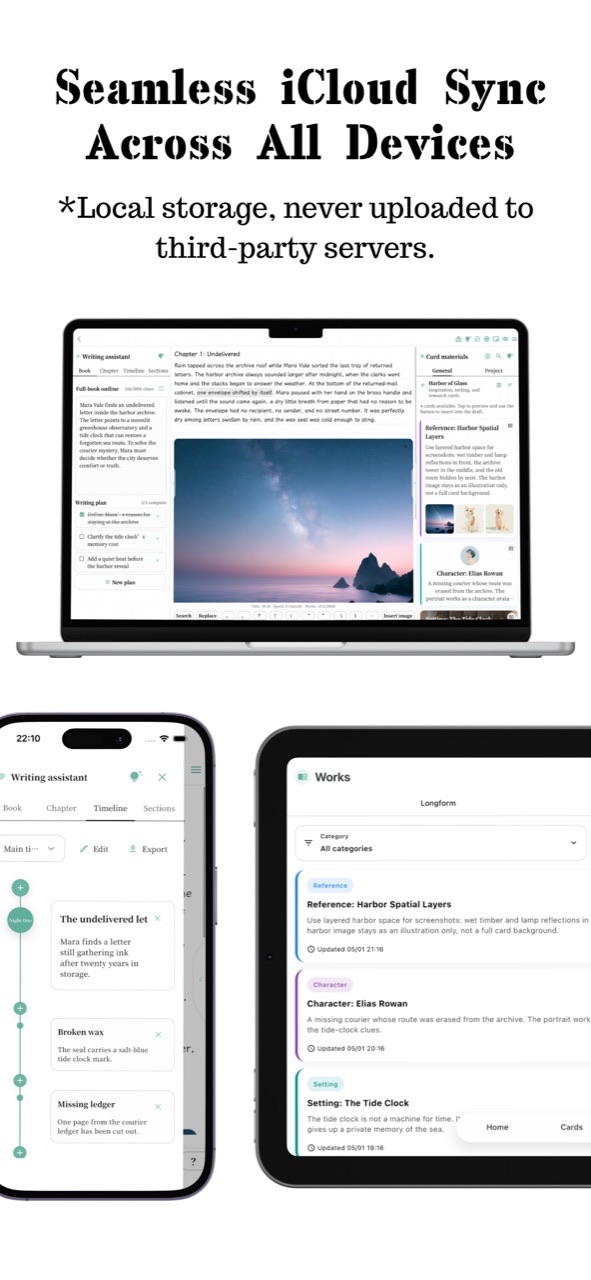
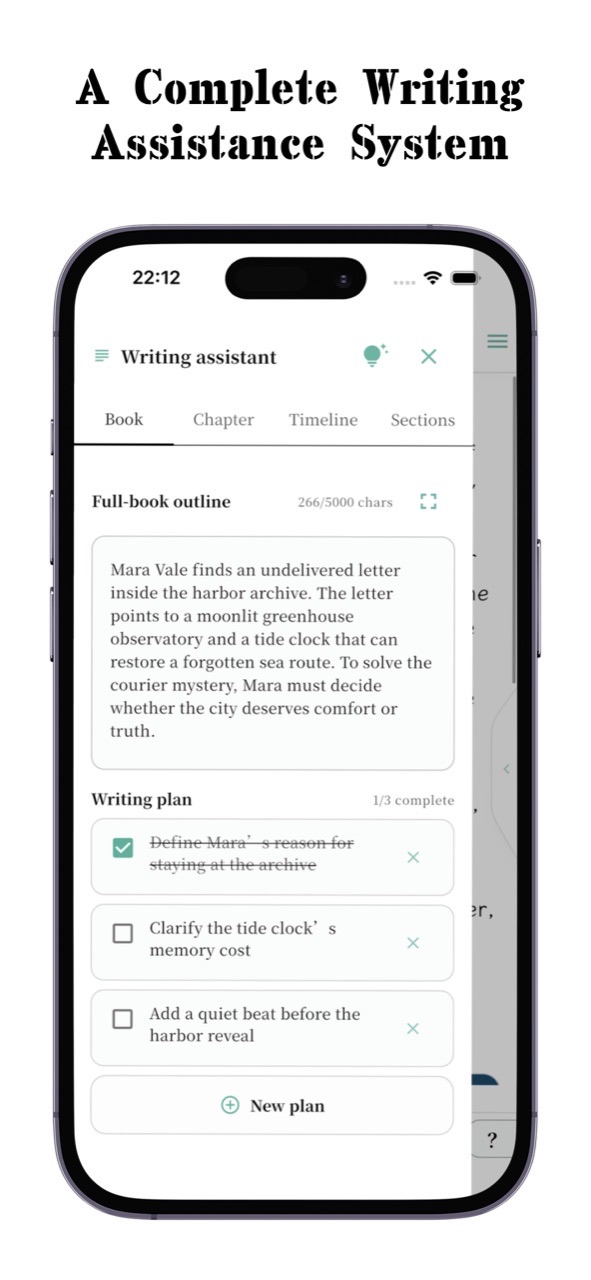
Organize story structure around full-book outlines, chapter outlines, plan items, and timelines.
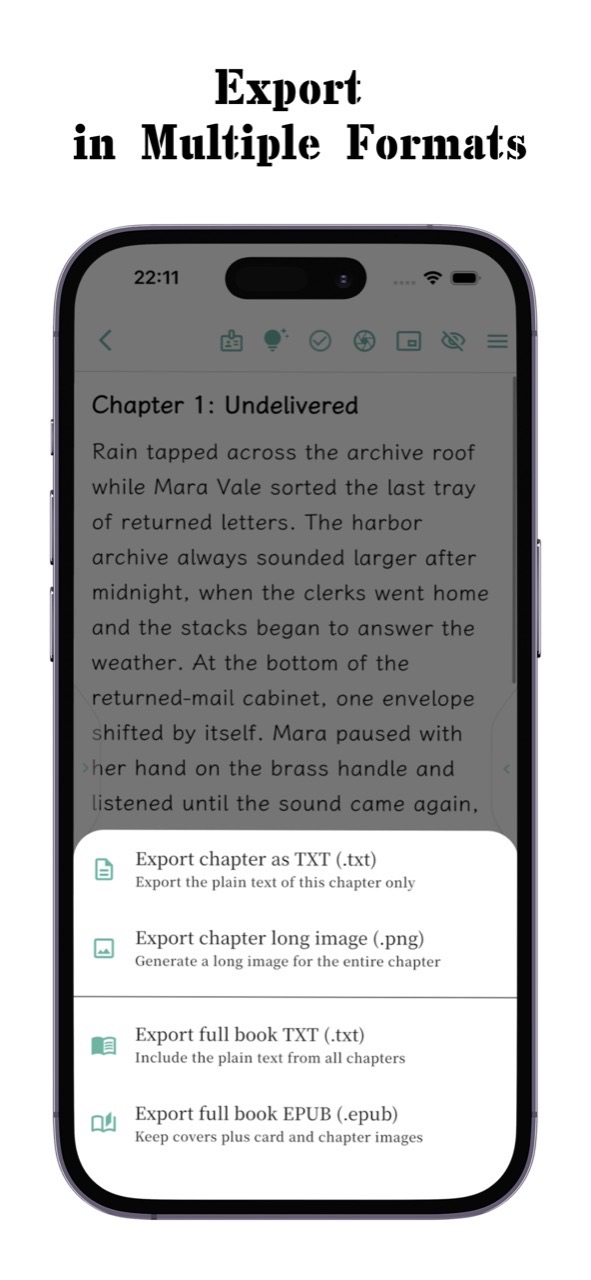
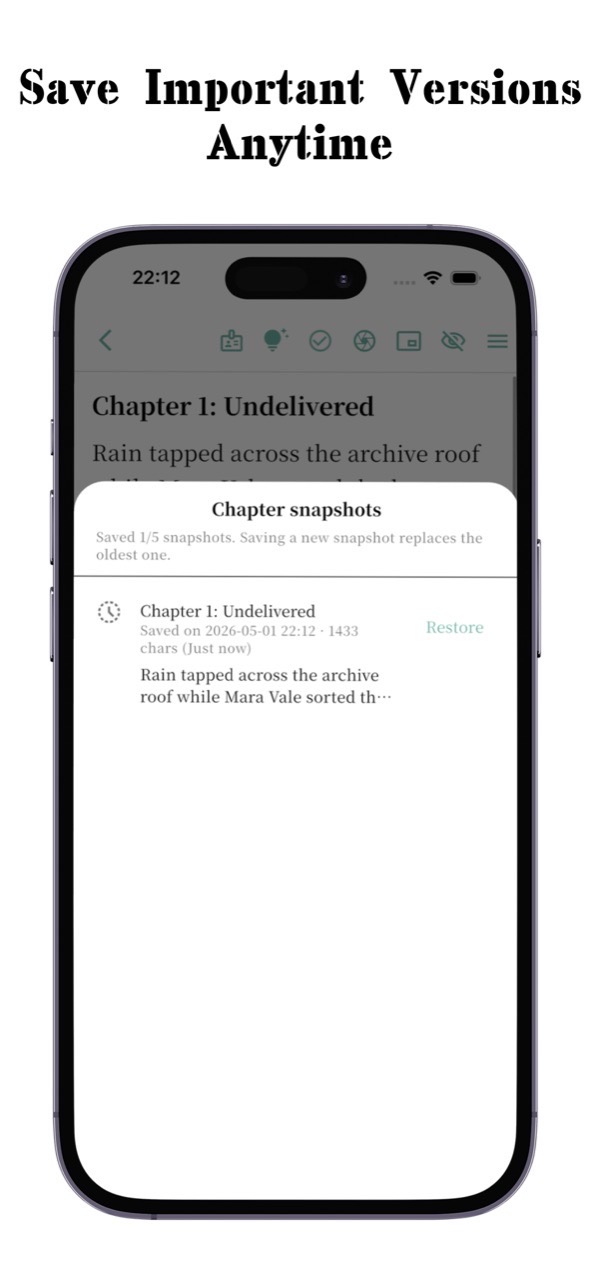
Keep chapter snapshots; export full books and chapters as TXT, EPUB, Markdown, or long images.
Sync local writing data, including projects, chapters, cards, writing aids, and chapter snapshots.
CardFlow works more like a movable writing desk than a purely linear document editor.
Record character ideas, scene ideas, plot ideas, dialogue ideas, and reference material in the right card sets.
Use projects, volumes and chapters, full-book outlines, chapter outlines, and timelines to shape story rhythm.
Write prose in the chapter editor, insert card references, then export text, EPUB, or long images as needed.
Choose the version for your current device. For Android and Windows downloads through LanZou Cloud, enter the extraction password shown below.